




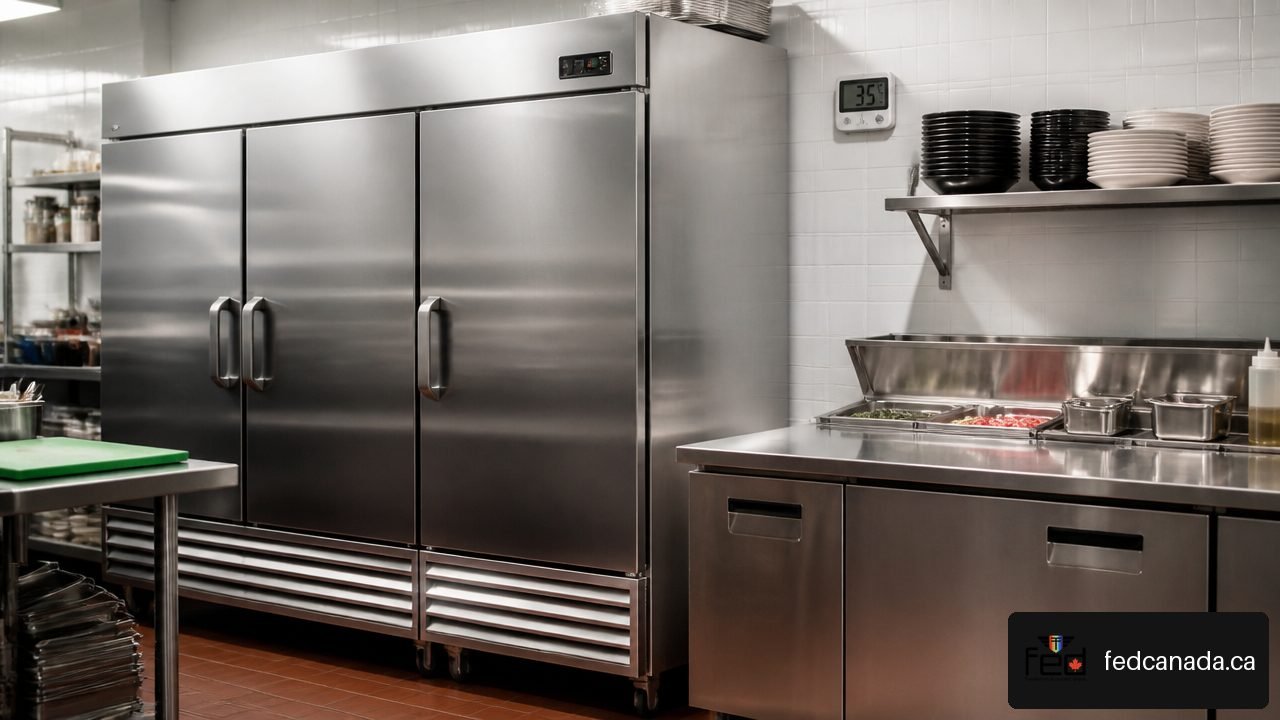
True Reach-In Refrigerators: Settings, Troubleshooting and Buying Guide
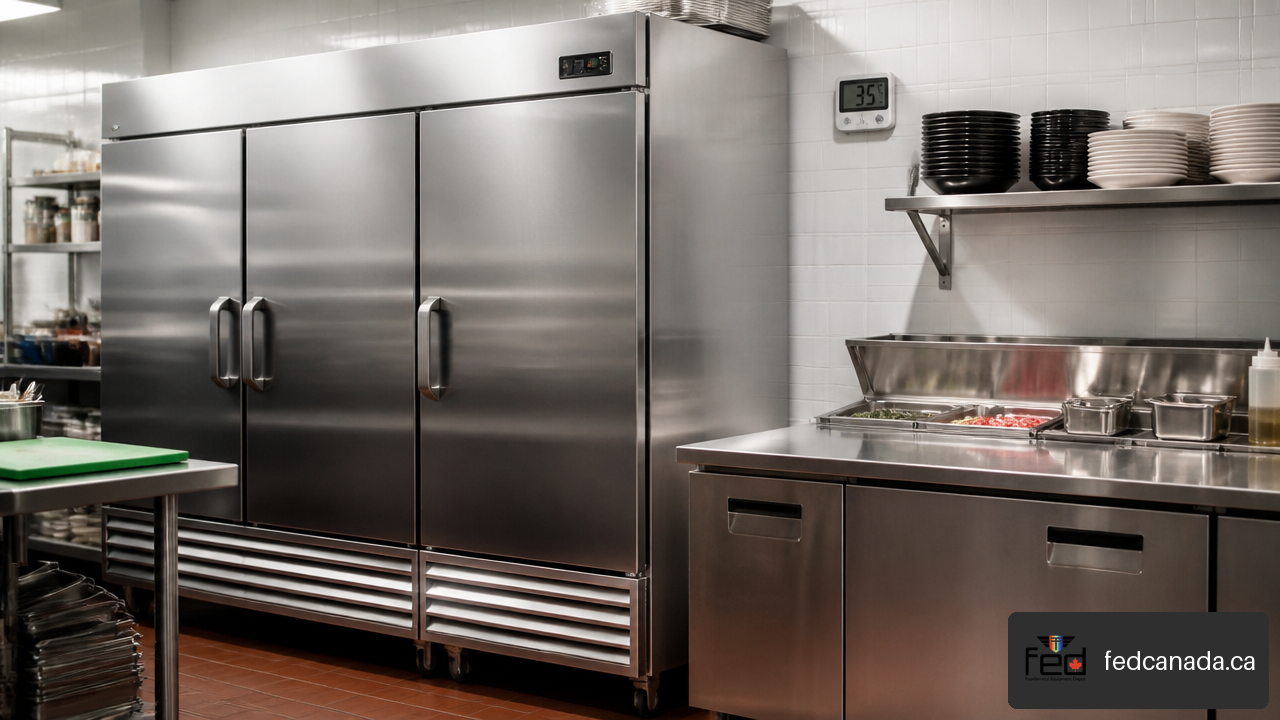
True Reach-In Refrigerators: Settings, Troubleshooting and Buying Guide starts with one practical principle: the temperature that matters is the temperature your food actually holds, not simply the number shown on a controller. We recommend treating every reach-in as part of a food-safety system that includes proper setup, independent temperature verification, airflow, cleaning, and prompt attention to changes in performance.
A True reach-in can be a dependable workhorse in a restaurant, café, bakery, bar, or institutional kitchen, but only when it is sized correctly, installed with adequate clearance, and operated according to its specific model documentation. Controls, electrical requirements, refrigerants, and service procedures can differ substantially between models.
Table of Contents
- Key Takeaways
- Set a True Reach-In Refrigerator Correctly
- Troubleshoot Cooling, Icing, and Door Problems
- Buy the Right True Reach-In for Your Kitchen
- Frequently Asked Questions
- Sources and References
Key Takeaways
Verify actual cabinet temperature independently. A controller set point helps govern compressor operation, but it is not automatically the same as the temperature around stored food.
Use the exact model manual before adjusting controls. Mechanical knobs and electronic controllers do not follow one universal True adjustment method.
Check airflow and door sealing before assuming a major refrigeration failure. A dirty condenser, blocked vents, worn gasket, or overloaded cabinet can create symptoms that resemble more serious faults.
Treat electrical service as a buying requirement, not a final specification. Confirm voltage, phase, plug type, circuit capacity, and installation access before ordering.
Keep operator tasks separate from technician work. Cleaning, thermometer checks, gasket inspections, and basic airflow checks are appropriate in house. Refrigerant charging, pressure testing, compressor repairs, and electrical diagnosis require qualified service personnel.
Set a True Reach-In Refrigerator Correctly
Start with holding temperature, not the display
For refrigerated food storage, the goal is stable, safe product temperature throughout the cabinet. That requires more than setting a number and walking away. A refrigerator may display a set point, air temperature, or a sensor reading from one location inside the cabinet. Food pans placed near the door, crowded shelves, and freshly loaded warm product may be at a different temperature.
The distinction matters because a controller has a mechanical job: it tells the compressor when to stop and start. The TRUE TSD installation and operation manual explains that the set point is associated with compressor cut out and is not necessarily the cabinet’s actual holding temperature.
We recommend checking cabinet performance with an independent thermometer placed in a representative product area. Do not measure immediately after opening the door or loading several pans of warm ingredients. Let the cabinet recover, then compare the independent reading with the display and your food-storage requirements.
A refrigerator can appear to be “set correctly” while still holding food too warm in high-use zones near the door or behind obstructed airflow paths.
Identify the control type before changing settings
True reach-ins may use a mechanical thermostat knob or an electronic temperature controller. The right adjustment workflow depends on the unit, which is why generic online instructions can lead to unnecessary changes or incorrect settings.
On applicable 0 to 9 mechanical controls, a lower setting is warmer and 0 turns the cabinet off. However, the safest starting point remains the specific model’s instructions because control layouts vary. True confirms this model-specific approach in its technical support guidance for mechanical and electronic controls.
A practical adjustment method
Record the current controller setting and the independent cabinet temperature.
Check whether the cabinet is fully loaded, recently stocked, or exposed to frequent door openings. Correct these operating conditions before changing the control.
Make one small adjustment only if the manual permits it.
Allow adequate recovery time with normal airflow and doors closed.
Record the new holding temperature before making another change.
Avoid turning a thermostat aggressively colder to compensate for a dirty condenser or leaking door gasket. That can increase run time without fixing the underlying heat load.
Commission a new cabinet before loading food
A new reach-in should not go from delivery to full production service in one hour. After installation, leave the cabinet empty long enough to stabilize and verify temperatures. One True installation manual specifies operating the unit empty for two to three days before product is loaded. Follow the exact requirement in the manual for your model, especially where local food-safety procedures require documented commissioning.
This is more than a paperwork exercise. An empty run lets you confirm that the compressor cycles, fans operate, doors close evenly, drainage is normal, and the cabinet can maintain its intended temperature without the added heat mass of product.
A useful commissioning record includes:
| Item to record | Why it matters |
|---|---|
| Model and serial number | Helps identify correct manuals, parts, and service procedures |
| Electrical connection | Confirms voltage and circuit compatibility before problems appear |
| Independent temperature readings | Establishes a performance baseline |
| Door alignment and gasket condition | Prevents avoidable warm-air infiltration |
| Condenser access and clearance | Makes future cleaning and service practical |
Troubleshoot Cooling, Icing, and Door Problems
If the cabinet is warm, follow the heat path
When a reach-in is warm, start with the simplest explanation: heat is entering faster than the refrigeration system can remove it. Warm air may enter through open doors or damaged gaskets. Heat may also be trapped because the condenser cannot reject it effectively. Product loading can contribute as well, particularly if hot or room-temperature food is placed directly into the cabinet in bulk.
Use this sequence before requesting sealed-system service:
Verify the actual cabinet temperature with an independent thermometer.
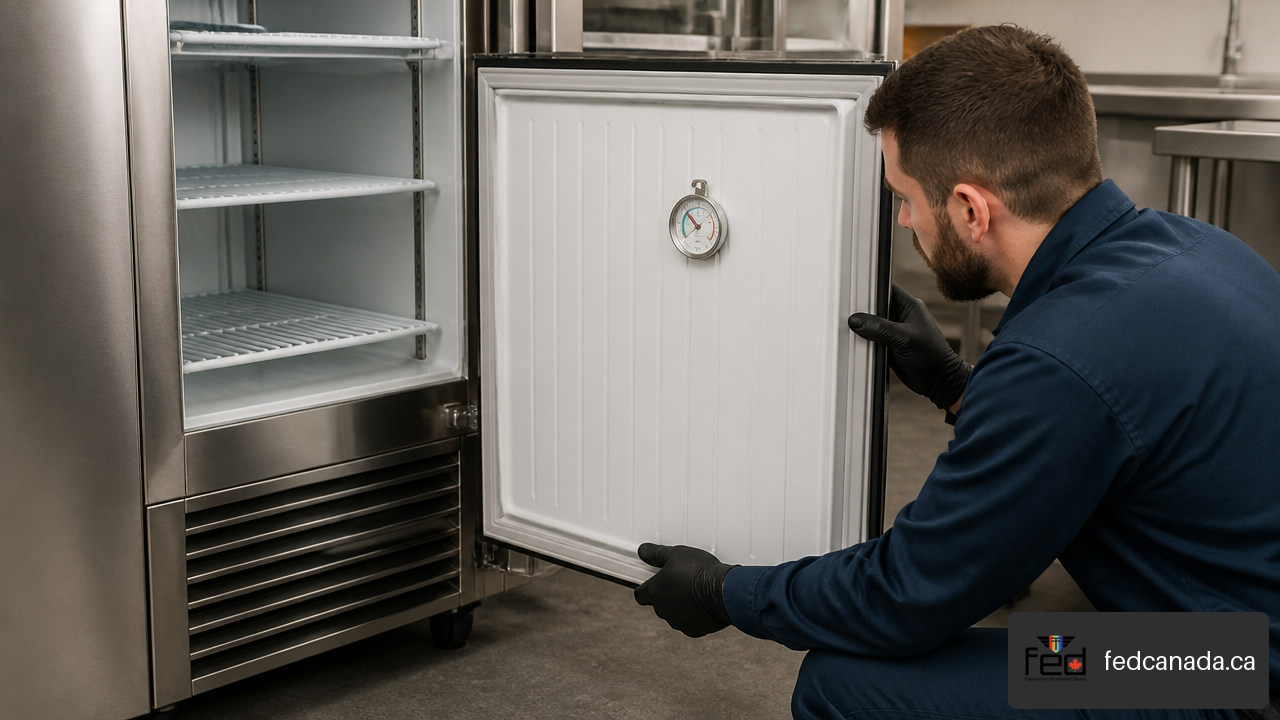
Check the door and gasket. Look for tears, hardened sections, gaps at corners, damaged hinges, or containers preventing full closure.
Inspect airflow around and inside the unit. Remove boxes or pans blocking interior vents. Confirm the cabinet has the installation clearance required by its manual.
Inspect the condenser area. Dust, grease, lint, and debris reduce heat rejection. Clean only using the method approved for the model.
Consider the load. A reach-in is designed to hold cold food, not rapidly pull down a large volume of hot food.
Observe what happens after corrections. Note temperature, run time, frost patterns, alarms, and unusual sounds.
If the cabinet remains warm after these checks, document the symptoms rather than guessing at a part. The model number, serial number, voltage, and observed temperature are far more useful to a service provider than “it is not cooling.”
Why a reach-in may run constantly
A compressor that runs continuously is a symptom, not a diagnosis. It may be normal temporarily after delivery, loading, a prolonged door opening, or unusually warm kitchen conditions. If it continues after the cabinet should have stabilized, something is preventing the unit from satisfying the control.
Possible causes include:
Restricted condenser airflow
A door gasket leak or misaligned door
Blocked evaporator airflow or ice accumulation
Excessive warm-product loading
A sensor or controller reading that indicates the cabinet is warmer than it truly is
Refrigeration-system or compressor problems requiring professional diagnosis
Practitioners discussing abnormal medium-temperature reach-ins have linked persistent run time and icing to a range of possible sensor, airflow, pressure, refrigerant-charge, and compressor issues. Their central point is sound: symptoms such as nonstop operation require measured diagnosis, not a one-part assumption.
For example, a failed or poorly positioned probe may tell the controller that the cabinet is still warm, so the compressor keeps running. But the same symptom can occur when a dirty condenser raises head pressure or when frost restricts evaporator airflow. Replacing a probe without confirming the fault may waste time and leave the real issue unresolved.
Ice, frost, and water: what the pattern can tell you
Some moisture is unavoidable in a busy kitchen. Ice and heavy frost are not. Frost usually points to moisture entering the cabinet or a defrost and airflow problem. Inspect the gasket first, then look for doors propped open, warped food pans, blocked drain paths, and product stored against air passages.
A solid sheet of ice around the evaporator area can restrict airflow so severely that the cabinet becomes warm even while the compressor runs. Do not chip ice off with sharp tools. You can damage coils, tubing, or insulation. Follow the model’s approved defrost procedure or arrange service if the ice returns.
Water on the floor or inside the cabinet may come from a blocked drain, drain pan issue, improperly leveled cabinet, or excessive condensation caused by door leakage. The key is to distinguish occasional condensation after heavy use from recurring water that appears under normal operation.
Know when to stop and call for service
Operators can safely clean accessible surfaces, inspect gaskets, verify temperatures, and remove obvious airflow obstructions. Stop and call qualified refrigeration or electrical service when you encounter any of the following:
Tripped breakers, damaged cords, burning smells, or repeated electrical shutdowns
A compressor that hums but does not start, or repeated clicking from the compressor compartment
Refrigerant oil residue, suspected leaks, or damaged refrigeration tubing
Repeated evaporator icing after door, drainage, and cleaning checks
Persistent warm temperatures despite correct loading, clean airflow paths, and proper door closure
Control alarms, sensor faults, or erratic readings that require testing against model-specific specifications
True provides separate operational, installation, and service documents for different reach-in families, including TGN models, through its service and installation manual library. Have the unit’s model and serial number ready before sourcing a part or scheduling service.
Buy the Right True Reach-In for Your Kitchen
Choose capacity based on workflow, not just cubic space
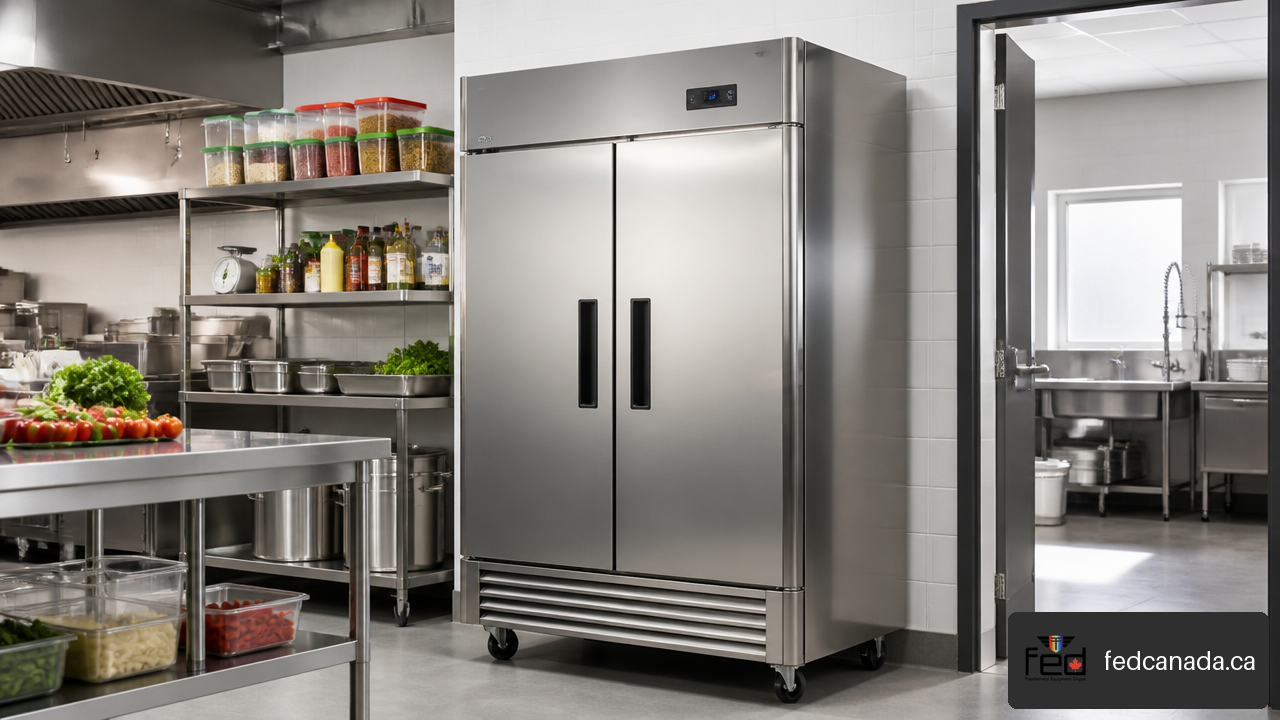
A one-section reach-in may suit a small café, bar backroom, prep station, or low-volume kitchen. Two-section models often fit general line prep and back-of-house storage. Three-section cabinets are better suited to higher-volume operations that need more organized cold storage without adding multiple separate units.
The largest cabinet is not always the best answer. A three-section model may create unnecessary energy use and occupy valuable aisle space if product turnover is modest. Conversely, a cramped one-section refrigerator can encourage overloading, blocked airflow, poor rotation, and frequent door openings.
Use this capacity test before purchasing:
| Buying question | What to evaluate |
|---|---|
| What must be stored? | Pans, bottles, boxed ingredients, prepared foods, or bulk containers |
| How often is the door opened? | High-frequency access may require better organization or separate point-of-use refrigeration |
| Can shelves stay clear of vents? | Usable capacity is lower if every shelf is packed tightly against airflow paths |
| Is food delivered in large batches? | Consider receiving and pull-down workflow, not only static storage volume |
| Will the menu change? | Leave room for seasonal growth without buying capacity that will sit empty |
Make electrical compatibility a pass or fail requirement
Before choosing a model, confirm the available electrical service at the installation location. Check voltage, phase, plug configuration, dedicated circuit requirements, and whether the outlet is positioned safely and accessibly. Do this before delivery, not while a cabinet is sitting in a corridor waiting to be installed.
Electrical differences can affect more than installation. They can influence which replacement components are compatible if service is needed later. A compressor relay, capacitor, or starting device must match the compressor’s electrical specifications, not merely the cabinet brand or outward appearance.
Also consider physical installation constraints:
Doorway, elevator, hallway, and turn clearance from delivery point to kitchen
Floor capacity and level surface requirements
Space around the condenser for airflow and cleaning
Clearance to open doors fully and remove shelves
Access for future fan, condenser, compressor, and control service
A reach-in that barely fits into a niche may be difficult to clean or repair. Saving a few centimetres of floor space can become expensive if a technician cannot access the condenser compartment without moving the unit.
Compare total operating fit, not just purchase price
The purchase price is visible. The cost of poor fit is often delayed: warm food, wasted labour, emergency service, blocked aisles, or premature equipment replacement.
When comparing units, weigh these trade-offs:
| Factor | Choose more of it when | Be cautious when |
|---|---|---|
| Storage capacity | Inventory turnover and menu volume justify it | Extra space will remain unused or restrict kitchen movement |
| Glass doors | Staff need quick visual inventory checks | The placement exposes doors to frequent heat, impacts, or direct sunlight |
| Solid doors | Product protection and back-of-house durability are priorities | Staff need to browse inventory repeatedly during service |
| Additional sections | Product categories need separation | The cabinet will reduce access routes or service clearance |
| Lower upfront price | The unit matches electrical, capacity, and service needs | It creates compromises in installation, condition, or warranty coverage |
For Canadian foodservice businesses, it is also sensible to ask about delivery access, warranty terms, parts availability, financing, and whether new, used, open-box, or clearance equipment is appropriate for the risk level of the operation. A value-priced cabinet can be a sensible choice when its condition, documentation, and installation requirements are clear. It is less suitable when a business cannot tolerate uncertain downtime.
Frequently Asked Questions
What temperature should a True reach-in refrigerator be set to?
Use the temperature range and control procedure stated in your exact model manual, then verify the cabinet’s real holding temperature independently. There is no one universal setting for every True commercial reach-in because controls and applications differ. The practical target is stable, food-safe storage temperature in the product area, not simply a displayed number.
Why does my True refrigerator show one temperature but hold another?
The displayed value may represent a controller set point or a sensor reading from a specific location. Door openings, warm product, airflow restrictions, and cabinet loading can create different temperatures elsewhere. Compare the display with an independent thermometer placed where food is stored.
How do I adjust a True mechanical thermostat?
First identify the model and control type. On applicable 0 to 9 mechanical controls, lower numbers are warmer and 0 is off. Make only a small adjustment, allow the cabinet to stabilize, and verify the result with an independent thermometer. Do not use a colder setting to mask a dirty condenser or gasket problem.
How long should a new True reach-in run before loading food?
Follow the exact installation manual for the model. One True manual calls for an empty operating period of two to three days before loading. This provides time to verify temperatures, cycling, drainage, door closure, and airflow before food is introduced.
Can a dirty condenser make a True reach-in run constantly?
Yes, restricted condenser airflow can make it harder for the system to reject heat, increasing compressor run time and reducing cooling performance. Cleaning may solve the issue if dirt is the cause, but constant operation can also result from door leaks, excessive product load, sensor faults, icing, or refrigeration-system problems.
Why is ice forming inside my True reach-in refrigerator?
Ice usually indicates excess moisture or a defrost and airflow issue. Check gaskets, door closure, blocked drains, interior airflow paths, and food placement first. If heavy frost keeps returning after these checks, arrange qualified service rather than chipping at ice around refrigeration components.
How can I test a door gasket for leaks?
Inspect the gasket for tears, hard spots, gaps, food debris, and corners that do not sit flat against the cabinet. Close the door on a strip of paper at several locations. If the paper slides out with little resistance, the seal may be weak at that point. Also check hinges and door alignment, because a good gasket cannot seal a misaligned door.
When should a technician check refrigerant charge or compressor pressures?
Call a qualified technician when basic checks do not restore proper temperatures, when icing repeatedly returns, when there are suspected leaks, or when electrical or compressor symptoms occur. Refrigerant charge, high head pressure, sensor specifications, and compressor operation require correct equipment and model-specific information.
Sources and References
True Manufacturing — Technical Support: https://www.truemfg.com/support/technical/
True Manufacturing — Service & Installation Manuals: https://www.truemfg.com/support/manuals/
TRUE TSD Installation and Operation Manual: https://hagarparts.com/media/model-pdf/True_TRUE-TSD_iom_Installation-and-Operation-Manual.pdf
Reddit, r/refrigeration — Troubleshooting a weird medium-temp reach-in: https://www.reddit.com/r/refrigeration/comments/17pln2s/troubleshooting_a_weird_medium_temp_reach_in_too/
Recent Posts


Leave a Comment
Your email address will not be published. Required fields are marked *